








The other day, I tried to make an online payment to Shein using Capitec, but it kept failing. I thought maybe it was just Shein, so I tried paying on Temu using Capitec failed again.
At that point, I assumed it was an international store issue. But to be sure, I tested local online stores like Takealot and Amazon SA. Same problem. Nothing worked.
A few days later, I finally fixed the “Capitec fails to make online payments” problem, and it turned out to be much simpler than I expected.
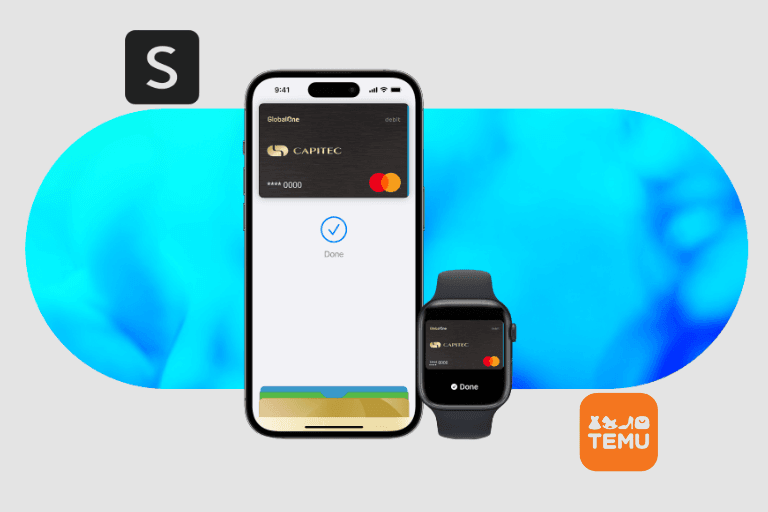
If your Capitec card keeps declining online payments, this guide will help you fix it quickly.
Fix Capitec Bank Fails To Pay Online
To fix it, it’s simple. There are two main things you need to check:
In my case, online payments were already turned on. What I didn’t realize was that my online payment limit was too low, which caused every transaction to fail.
Let’s go through both fixes step by step.
How To Turn On Capitec Online Payment
If online payments are disabled, every online transaction will fail, no matter how much money you have.
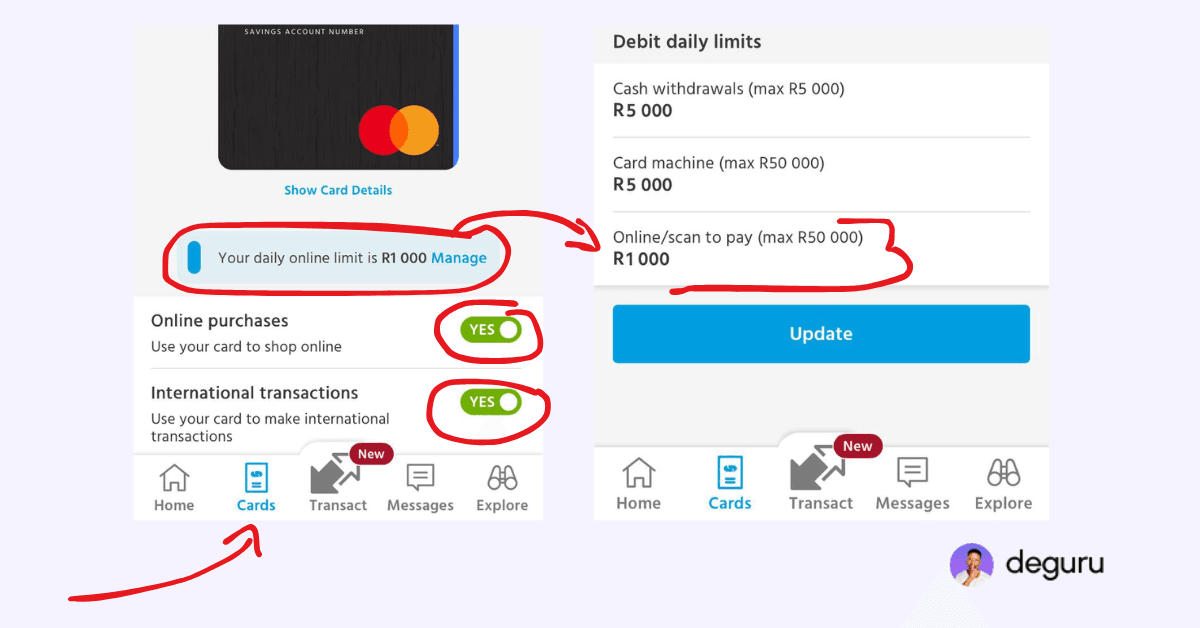
Here’s how to enable online payments using the Capitec app:
- Open the Capitec App
- Tap Cards
- Select your active card
- Tap Card Settings
- Turn Online Payments ON
- Confirm the change
Once enabled, online payments should start working immediately no waiting required.
How To Increase Capitec Online Payment Limit
This is the part most people miss.
Even if online payments are turned on, Capitec sets a daily online payment limit. If the item you’re buying costs more than your limit, the payment will fail without a clear explanation.
That’s exactly what happened to me. Follow these steps to increase your online payment limit:
- Open the Capitec App
- Tap Cards
- Select your card
- Choose Card Limits
- Increase the Online Payment Limit
- Confirm with your PIN
After increasing the limit, I retried my payment—and it went through instantly.
Other Things To Check If Capitec Online Payments Still Fail
If the problem continues, also check the following:
Sometimes international sites like Shein or Temu may also block payments temporarily if multiple attempts fail, so waiting a few minutes can help.
If you are trying to buy from Shein or Temu, you must know how Shein and Temu import tax works.
FAQs
Most of the time, it’s because online payments are turned off or the online payment limit is too low.
Yes, Capitec supports international online payments as long as online payments are enabled and your limit allows it.
Yes. Once online payments are enabled and the limit is increased, Capitec works on Shein, Temu, Takealot, and Amazon SA.